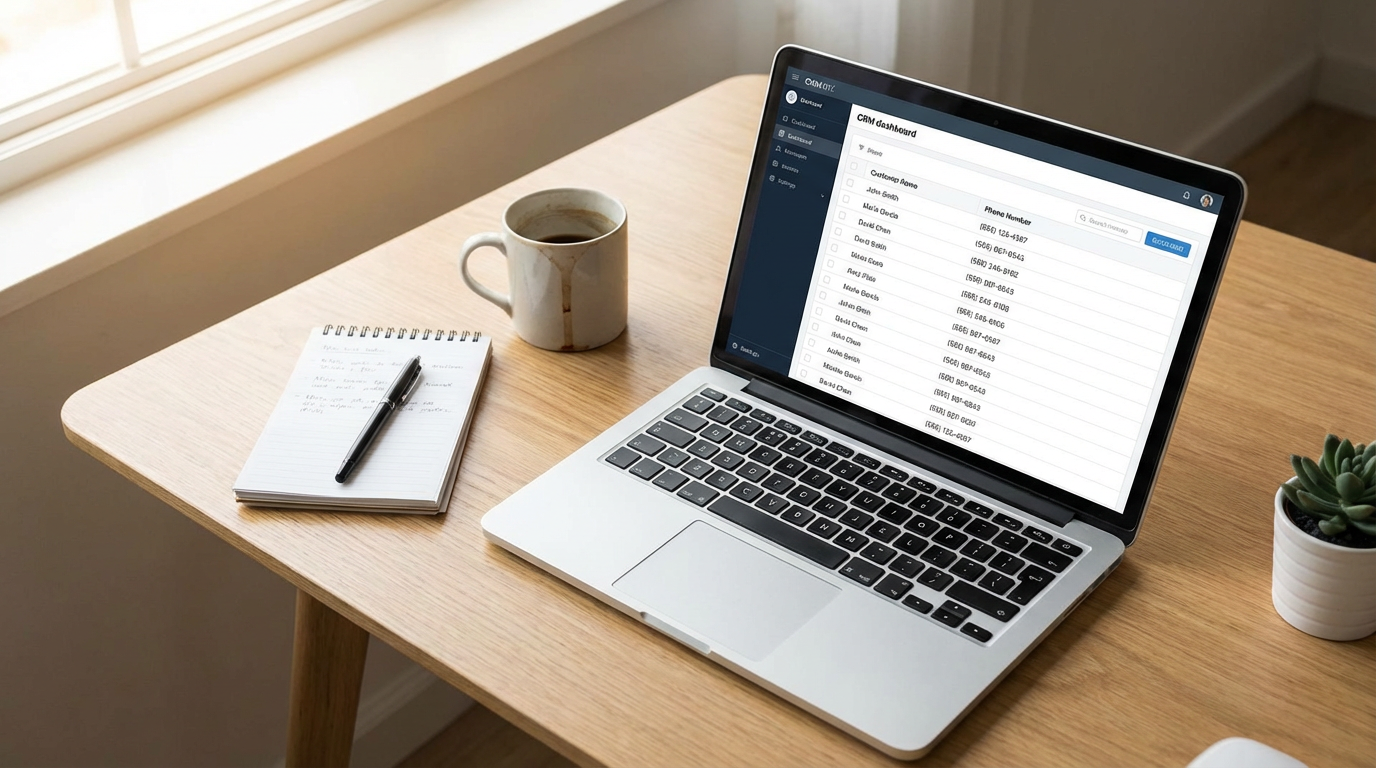
You have spent years building your business. Every customer who has ever hired you, every lead who has ever filled out a form, every person who has ever called your office is sitting in a spreadsheet, a CRM, or a dusty filing cabinet somewhere. That list is worth tens of thousands of dollars. And you are ignoring it.
The average service business has between 500 and 2,000 past customer records. These are not cold strangers from a purchased list. These are real people who already trusted you enough to hand you their money. They already know your name, your team, and the quality of your work. Many of them need your services again right now. They just have not thought about you recently.
Database reactivation is the process of systematically reaching out to those dormant contacts and converting them back into paying customers. And it is, dollar for dollar, the highest-ROI marketing activity most businesses never do.
Why Past Customers Are Your Best Leads
The math on this is straightforward and overwhelming:
- It costs 5 to 7 times more to acquire a new customer than to reactivate an existing one.
- 67% of past customers will buy again from you if you simply reach out and remind them.
- Reactivation campaigns typically generate 15 to 30 new appointments within the first 30 days.
- The close rate on reactivated leads is 60% to 70%, compared to 10% to 20% for cold leads from ads.
Think about what that means for your business. You are spending $50 to $200 per lead on Google Ads, Facebook, or Angi. Those leads do not know you. They are shopping three to five competitors. Your close rate is maybe 15% on a good month.
Meanwhile, sitting in your CRM is a list of people who have a 67% probability of hiring you again if you just send them a text message. No ad spend required. No competition. No trust barrier to overcome.
The System: Step-by-Step Database Reactivation
Step 1: Clean and Organize Your Database
Before you contact anyone, your data needs to be clean. Bad phone numbers, duplicate records, and incomplete entries will waste your outreach and hurt your deliverability.
Here is what the cleaning process looks like:
- Remove duplicates. Many businesses have the same customer listed three or four times with slightly different names or phone numbers.
- Validate phone numbers. Remove disconnected numbers and landlines that cannot receive texts.
- Verify email addresses. Remove addresses that bounce. Sending to bad emails damages your sender reputation.
- Standardize formatting. Names, addresses, and service dates should be consistent.
This step alone often reduces a 2,000-record database down to 1,200 to 1,500 valid, contactable records. That is fine. Quality beats quantity.
Step 2: Segment by Value and Recency
Not every past customer should get the same message. A customer who spent $15,000 on a roof replacement two years ago is different from someone who paid $150 for a basic service call five years ago.
Segment your database into at least three tiers:
- Tier 1: High-value, recent (last 6 to 18 months). These are your warmest leads. They remember you clearly. They are most likely to respond.
- Tier 2: Medium-value, moderate recency (18 to 36 months). They know you, but you have faded from memory. They need a reason to come back.
- Tier 3: Lower-value or older (36+ months). These are long shots, but at zero acquisition cost, even a 5% response rate is profitable.
Step 3: Build the Multi-Channel Outreach Sequence
This is where most businesses fail. They send one email blast, get a 2% response, and conclude that reactivation does not work. Reactivation works when you use multiple channels in a timed sequence.
Here is the proven sequence:
Day 1 — SMS (first touch)
“Hi [First Name], this is [Your Company]. We noticed it has been a while since your last [service type]. We are running a priority scheduling window this month. Would you like to book a time?”
SMS goes first because it has the highest open rate (98%) and response rate (45%) of any channel. Keep the message short, personal, and conversational. No marketing language. No links. Just a direct question.
Day 3 — Email (second touch)
A short email that references the text, provides a bit more detail about the service or offer, and includes a direct booking link. Subject line should be personal: “Quick question about your [home/office/vehicle], [First Name].”
Day 5 — AI Voice Call (third touch)
For contacts who have not responded to SMS or email, an AI voice call provides a personal touch. The AI calls, introduces itself as calling from your company, and asks if they are interested in scheduling their next service. If they say yes, it books directly into your calendar.
Day 8 — Final SMS (last touch)
“Hi [First Name], just wanted to follow up one more time. We have a few slots left this month. If the timing is not right, no worries at all. Just reply STOP and we will not reach out again.”
This final message creates urgency while respecting their space. The STOP option is not just good manners, it is legally required for SMS campaigns.
Step 4: Automate the Booking Flow
When a past customer responds with interest, the system needs to get them booked immediately. Every minute between “yes, I am interested” and a confirmed appointment is a minute they might change their mind.
The automated booking flow works like this:
- Customer responds to SMS or picks up the AI voice call.
- The system immediately presents available time slots.
- Customer selects a slot and receives a confirmation text with the date, time, and any preparation instructions.
- The appointment appears in your calendar with full customer history attached.
- An automated reminder goes out 24 hours before the appointment.
No phone tag. No “let me check with the office and call you back.” The appointment is booked in under 60 seconds.
Step 5: Track, Measure, and Repeat
Database reactivation is not a one-time event. It should run on a recurring schedule:
- Monthly: Reach out to customers whose last service was 6 to 12 months ago.
- Seasonally: Target customers who used seasonal services (AC tune-ups in spring, furnace checks in fall, gutter cleaning before winter).
- Event-driven: Contact customers after major weather events, code changes, or new service offerings.
The Numbers: What to Expect
Here is what a typical reactivation campaign produces on a database of 1,000 valid contacts:
| Metric | Expected Range |
|---|---|
| SMS open rate | 95% to 98% |
| SMS response rate | 8% to 15% |
| Email open rate | 25% to 40% |
| Email click rate | 3% to 8% |
| AI voice call pickup rate | 15% to 25% |
| Total engaged contacts | 12% to 20% |
| Contacts booked into appointments | 15 to 30 |
| Close rate on booked appointments | 60% to 70% |
On a 1,000-person database with an average job value of $500, that translates to $4,500 to $10,500 in recovered revenue from a single campaign. The cost to run that campaign? A fraction of what you would spend on ads to generate the same number of leads.
Self-Assessment: Is Your Database Collecting Dust?
Ask yourself:
- How many past customers are in your CRM, spreadsheet, or phone right now?
- When was the last time you systematically contacted all of them?
- Do you know which past customers are overdue for service?
- What percentage of your revenue comes from repeat business versus new leads?
- How much are you spending per month on ads to acquire new customers?
If you have more than 300 past customers and you have not run a structured reactivation campaign in the last six months, you are leaving money on the table. Not potential money. Actual money from people who already want to hire you.
The Bottom Line
Your database is not a dead list of old contacts. It is a revenue asset. Every name on that list represents someone who already trusted you with their home, their health, or their legal matter. Reaching out to them is not spam. It is good customer service. The businesses that systematize this outreach generate a predictable stream of repeat revenue without increasing their ad spend by a single dollar. The ones that do not will keep paying top dollar for cold leads while their best customers hire someone else.